
For recovery drivers
Run a recovery vehicle? ROVR brings jobs to you.
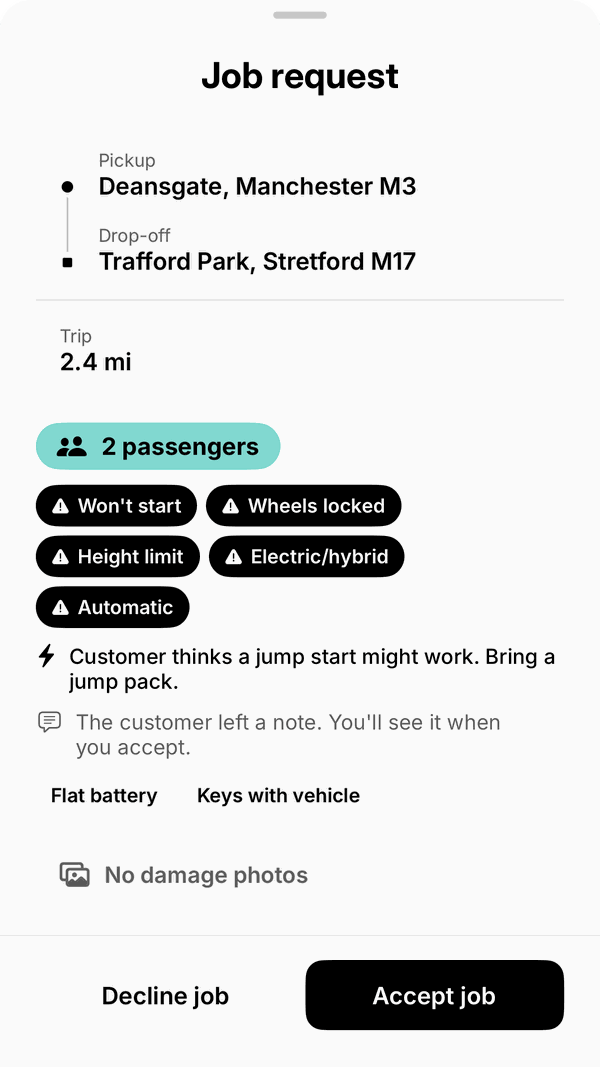
Get recovery job requests near you in the ROVR app, and see the pickup, drop-off and fare before you accept.
Keep 85% of each fare
Keep 85% of each fare. ROVR’s platform fee is currently 15%.
If a customer cancels a paid job after you were assigned, you receive 10% of the fare. You choose which requests to accept, and you’re free to decline them.
How to join
Join in four stops.
Sign up as a driver in the ROVR app. You must be 21 or over.
Add your driving licence, insurance and V5C (take a photo or upload a PDF) and your vehicle details.
ROVR checks your documents before you can receive jobs.
Set up payouts with Stripe.
Driver sign-up is in the ROVR app, available on the App Store.
- You’re 21 or over, with the right to work in the UK.
- A valid UK driving licence for the vehicle you use.
- A suitable recovery vehicle that you own or are entitled to use, kept roadworthy, taxed and with a valid MOT.
- Motor insurance for your recovery vehicle that covers recovery work for hire and reward, including vehicles in your care, custody and control.
- Public liability insurance.
- An iPhone, for the ROVR app.
The work
Jobs come to you. You choose.
Job requests near you
Get job requests near you, even when the app is closed.
Know before you accept
See the pickup, drop-off and fare before you accept.
About the vehicle
See the customer’s answers about the vehicle, including whether it starts and how many people need a lift, before you accept.
Route on the map
Follow the route to the pickup and the drop-off on the in-app map.
Plan your day
Accept pre-booked jobs from Upcoming bookings and plan your day.
A statement every time
Get an earnings statement for every completed job.
Paid to your bank
Withdraw your balance to your bank through Stripe.
Vehicles
What you can run.
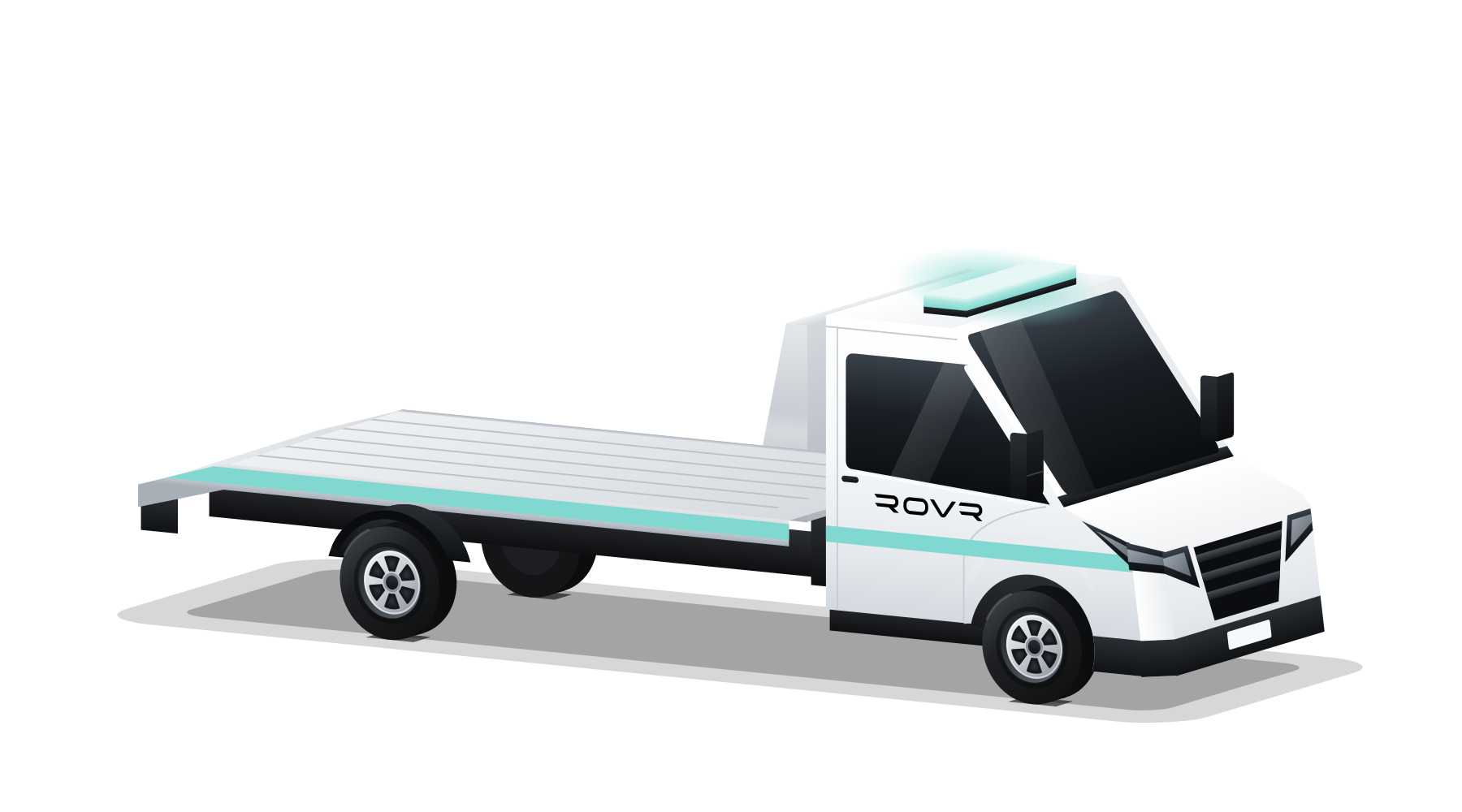
Flatbed
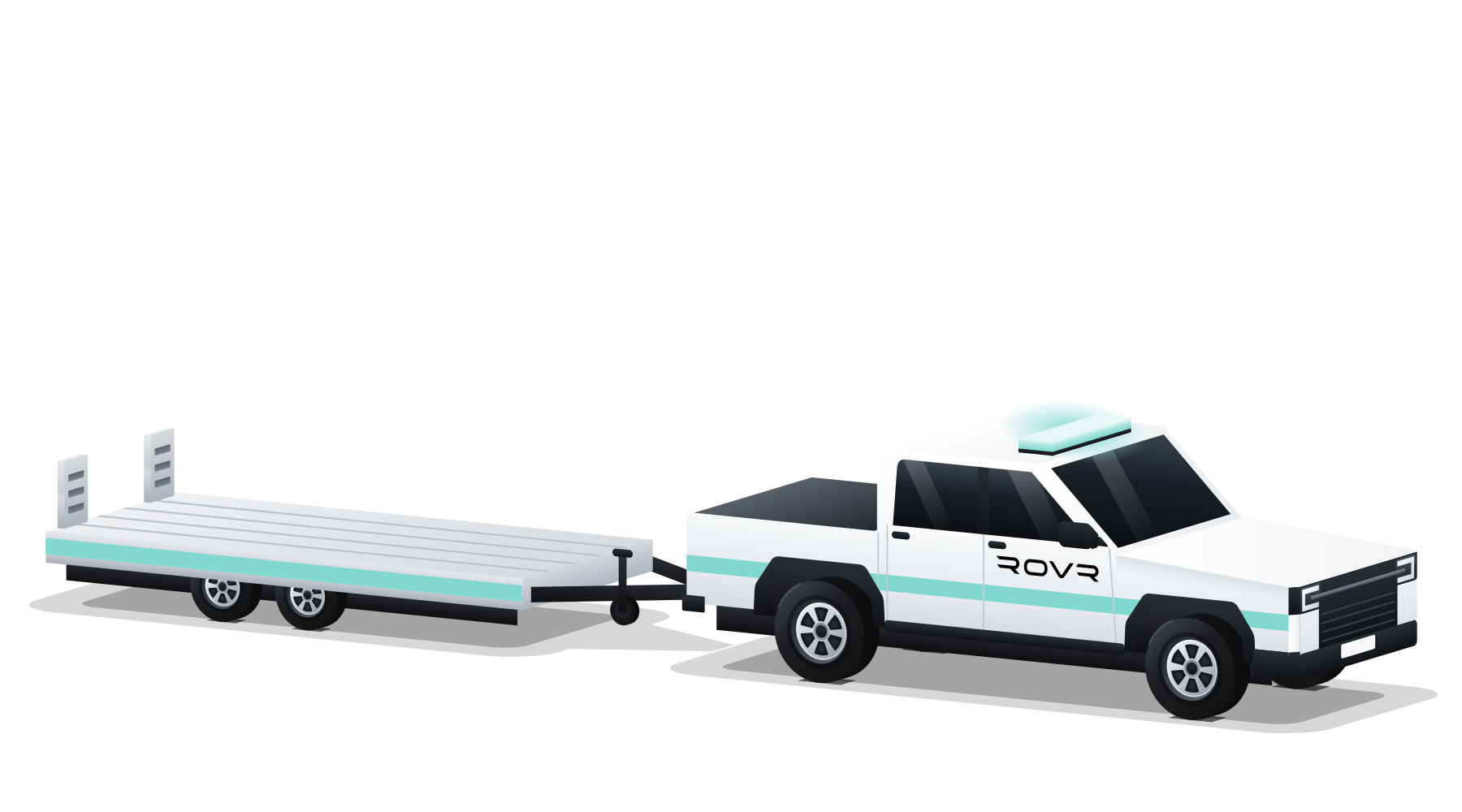
4x4
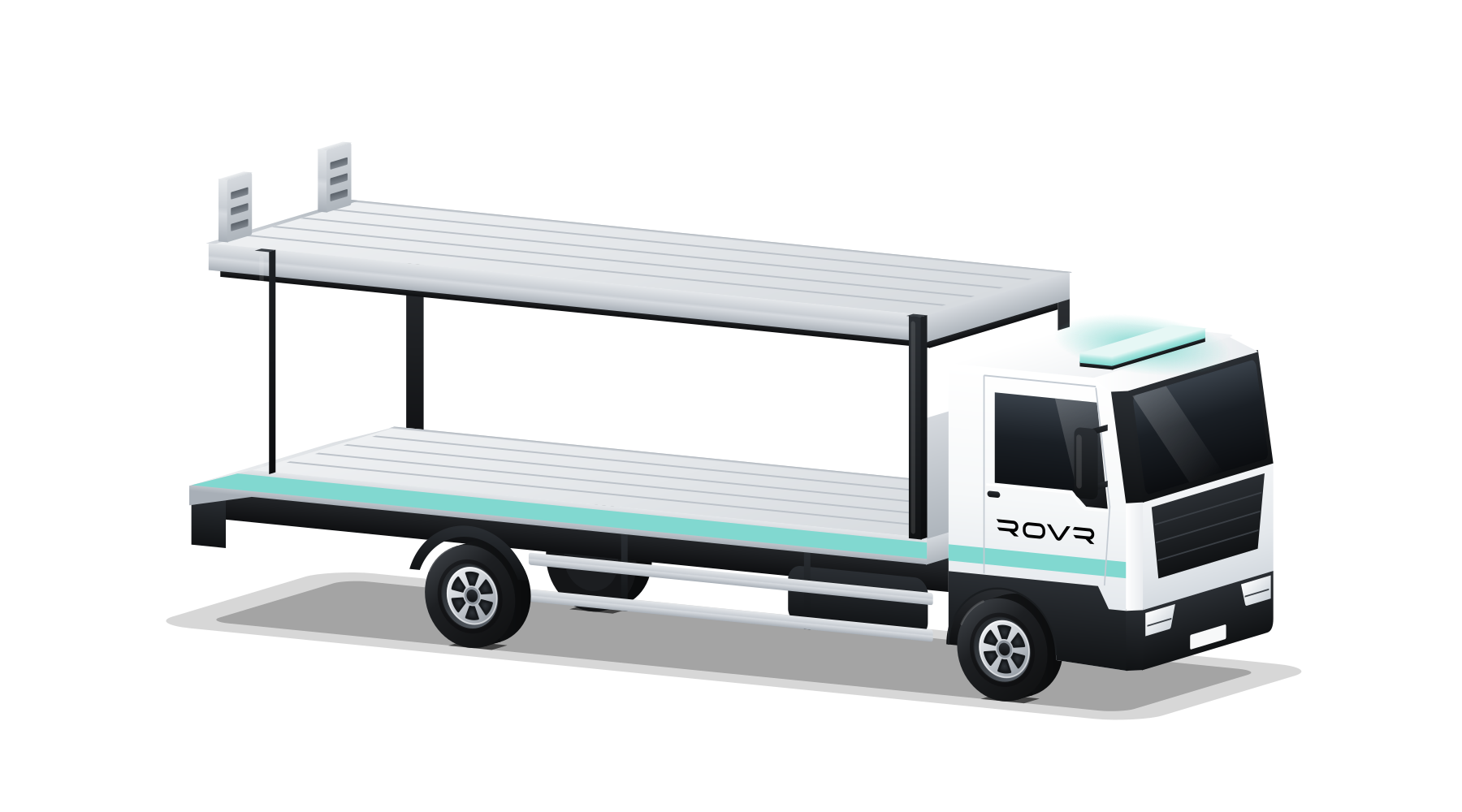
Commercial
You choose your vehicle type when you add your documents, and requests sent to any available driver match your vehicle type. Bookings with 3 or more passengers go only to 4x4 drivers. Vehicles shown are illustrations.
Safety
Safety on the job.
Private chat
Chat is only between you and the other person on your booking, and you can report a problem from the chat.
Payments by Stripe
Payments are processed by Stripe.
Sign in your way
Sign in with Apple, Google or email.
Questions
Driver questions.
How old do I need to be?
You must be 21 or over.
What documents do I need?
Your driving licence, insurance and V5C (take a photo or upload a PDF), and your vehicle details. ROVR checks your documents before you can receive jobs.
What is the fee?
You keep 85% of each fare. ROVR’s platform fee is currently 15%.
How am I paid?
Payouts go through Stripe. When a job is completed and the customer has paid, your share is added to your Stripe balance, and you can withdraw it to your bank in the app.
Can I take pre-booked jobs?
Yes. Accept pre-booked jobs from Upcoming bookings and plan your day.
Do I have to accept every request?
No. You choose which requests to accept, and you’re free to decline them.